









Product description
Where your creative dreams begin
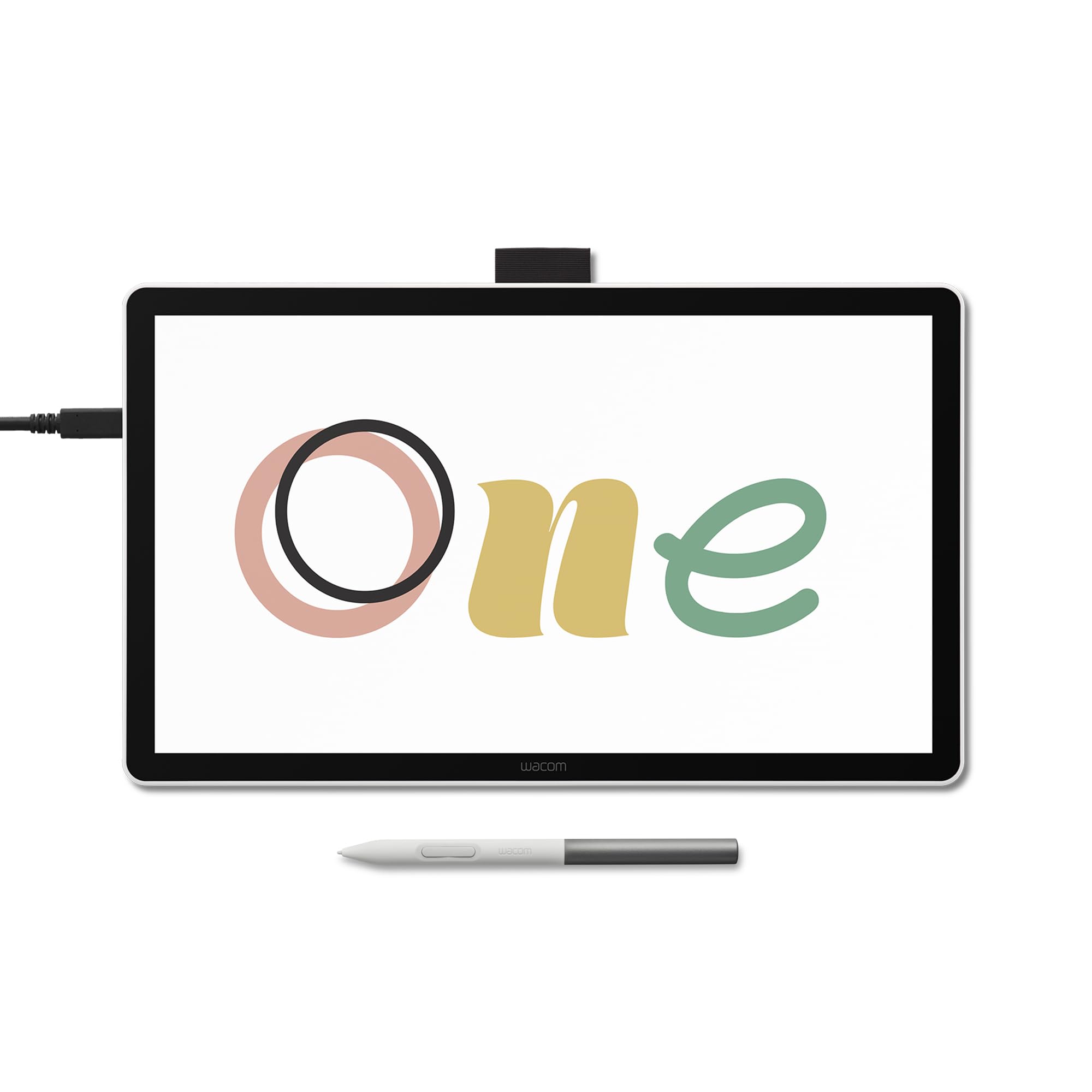
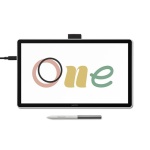
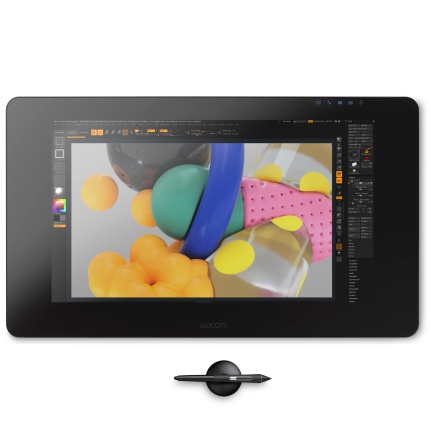
Start your digital adventure with the all-new Wacom One. Ideal for casual artists and visual thinkers, this drawing tablet with screen makes it easy to draw, sketch, edit photos, annotate, and discover your creative passion.
Big Canvas, Compact Design
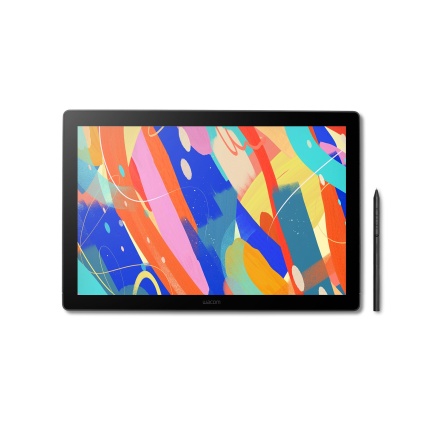
The 14″ widescreen gives you a bigger canvas without hogging desk space. FHD resolution delivers crisp visuals perfect for detailed linework. Thin bezels maximize your drawing area while keeping the footprint compact. Ideal whether you’re at your desk, kitchen table, or anywhere inspiration strikes.
Proven Pen Technology
The Wacom One pen features Wacom’s leading pen technology in an easy-to-use battery-free format. It’s lightweight and comfortable to grip for extended drawing sessions and never needs charging. Whether you’re sketching lightly or applying bold strokes, it delivers consistent, responsive performance.
See Every Color Detail
Colors stay true whether you’re working on your art, sharing it online, or printing it out. The factory-calibrated 98% sRGB display with 8-bit color depth shows millions of subtle color variations for smooth gradients and natural skin tones.
Drawing/Sketching
That sketch you started in your notebook? Now you can take it further without starting over. Your pen becomes whatever you need – pencil for rough sketches, paintbrush for bold strokes and a button for undo, right-click or your favorite shortcut. The 16ms response time means your strokes appear instantly with no lag between your hand and screen.
Design Your World
Whether you’re designing a logo or creating something for school, precise pen control makes design easier. Smooth curves, and accurate colors help your ideas look polished, while the programmable button gives you access to your favorite shortcut key.
Photo Editing & Enhancements
Edit photos with the precision a pen, instead of wrestling with a mouse. Make exact selections for perfect cropping, smooth out skin imperfections, or add artistic touches that make your images stand out. The pressure-sensitive pen gives you control that feels natural, like working with real art tools.
Annotation, Markup and Engaging Lessons
The pen-on-paper feel makes it easy to capture ideas, create mind maps, and annotate PDFs naturally. Great for teachers creating engaging lessons or anyone who thinks visually. Turn boring documents into interactive, personalized content that actually gets attention.
Connecting to Your Computer
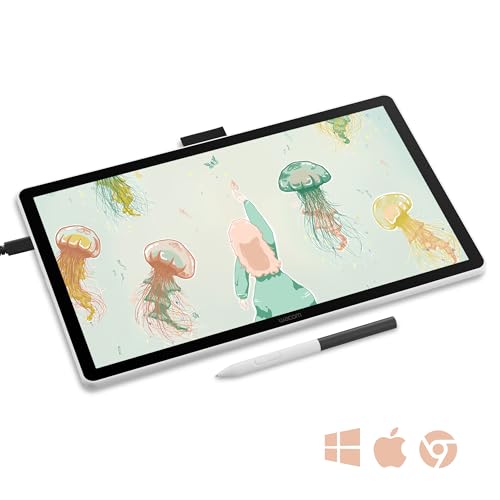
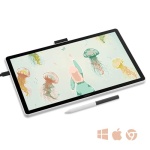
Wacom One connects to compatible Windows, Mac, and Chromebook devices with a single USB-C cable that carries power, video, and pen data – helping keep your workspace clean and clutter-free. To use this one-cable setup, your computer must have a USB-C port that supports DisplayPort Alt Mode (including Thunderbolt 3 or Thunderbolt 4).
If your device doesn’t support this, you can still connect using the Wacom Converter Kit (ACK45719Z), which includes all required cables, adapters, and converters to enable a full connection.
Why Buy Wacom?
Starting your digital art journey shouldn’t mean settling for less. This 14″ drawing display brings Wacom’s legendary pen technology (trusted by professionals for over 40 years) at an accessible price point. When you choose Wacom for your first pen display, you’re investing in proven technology that won’t frustrate you with poor pressure sensitivity, faulty build quality and driver issues. Wacom’s superior build quality and reliable support mean your investment lasts years. With Wacom, you’re investing in a tool that grows with your skills, backed by decades of innovation.

Reviews
There are no reviews yet.