







Product description
-
What do I need to be aware of when using this mini pc for the first time?
To avoid initial setup issues, the first time you use this mini pc,don’t connect network or wifi until the windows system of your mini pc is running.
-
How to enter BIOS?
Press “delete” to enter the BIOS settings; press “F7” to enter the boot options menu (click continuously immediately after booting).
-
How to Switch the Audio Playback Device in Windows?
If your Windows Mini PC is connected to multiple audio playback devices (e.g.speakers, headphones, webcams with built-in microphones, and Bluetoothheadsets) simultaneously, you will need to choose one of them for audio playback.
-
What’s in the box?
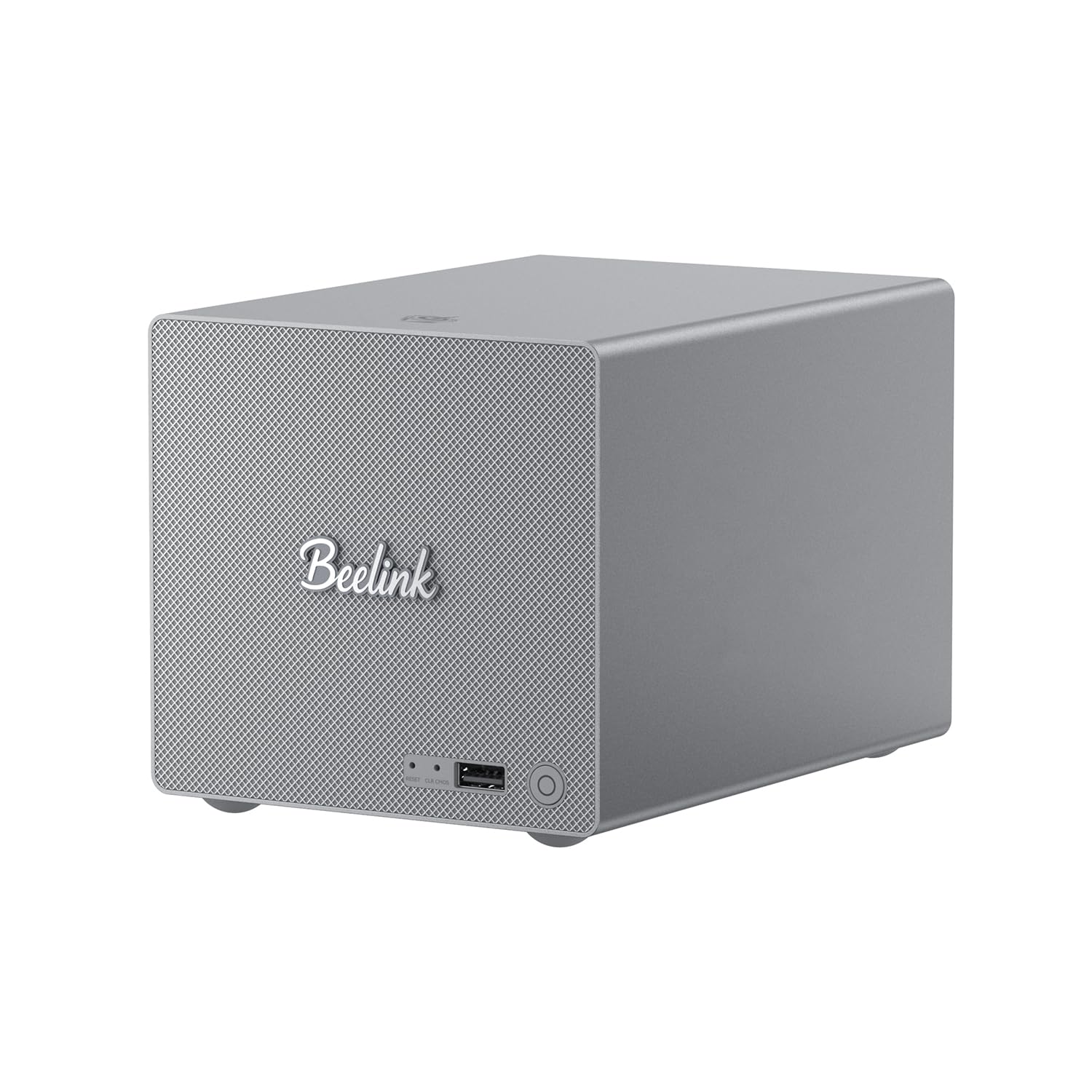
1 x Mini PC
1 x HDMI Cable
1 x Power Adapter
1 x User Manual
Reviews
There are no reviews yet.